Official game
Play Unshine Arcade
This game is hosted by Steam. Continue to the official page to play or download it.
Play on SteamOverview
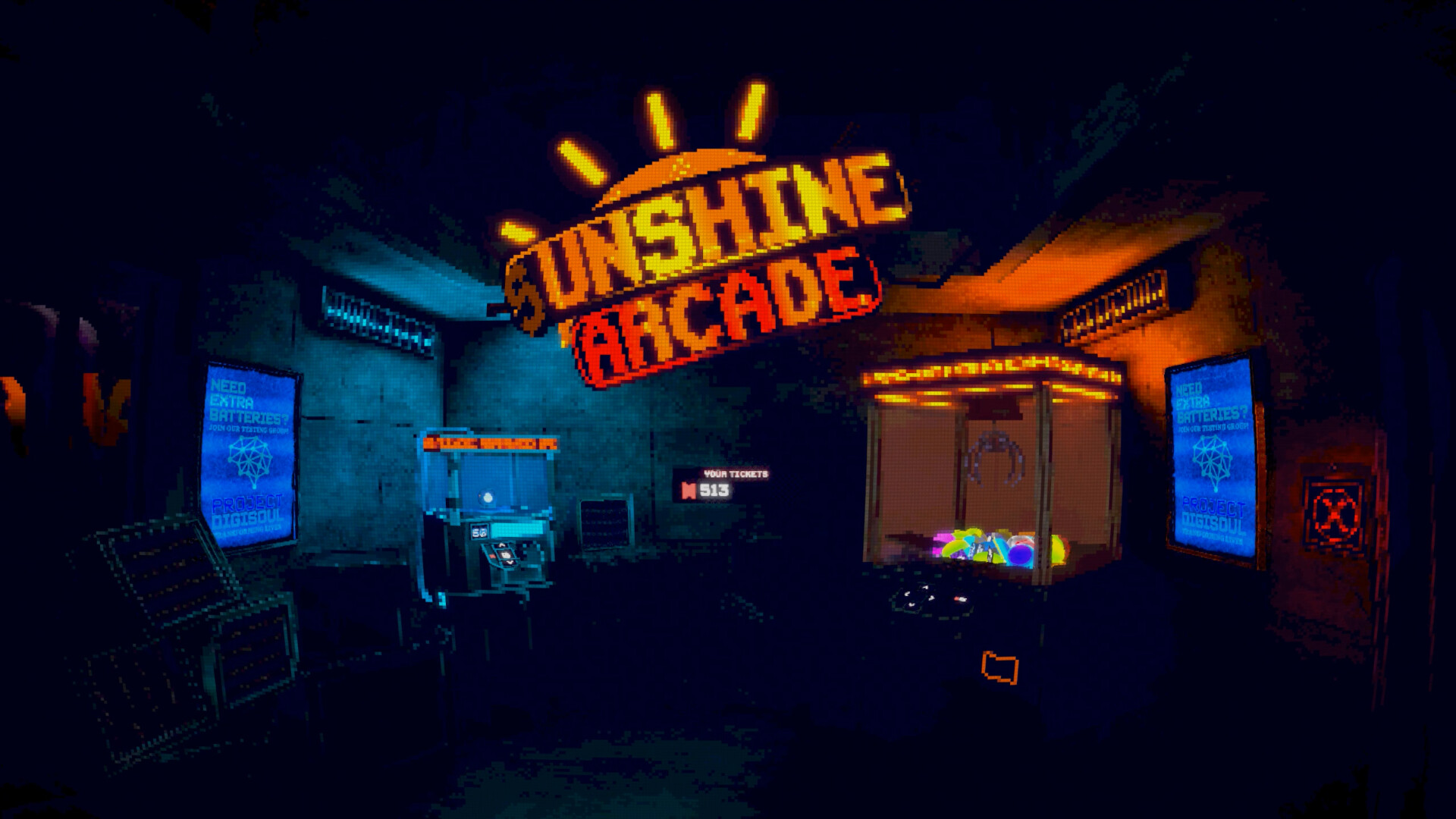
Unshine Arcade is a fast-paced roguelite stealth-shooter wrapped in psychological horror, built by solo developer mardt. The pitch reads like a dare: a mysterious virtual pet is stuck in the Grand Prize cabinet, it wants you to free it, and somewhere between the ticket counter and the gacha balls the arcade starts bleeding.
You play through the arcade's cabinets, and one machine in particular keeps pulling you back. Someone built that game for you. Someone wants you to play it. The action runs as top-down roguelite runs inside the cabinet game, while the frame story hands out tickets, secrets, and a slow drip of answers about what happened to this place.
The game launched September 28, 2026 after a demo that ran through Steam Next Fest, picked up Steam Deck support along the way, and shipped with full audio in six languages. The developer's own launch advice is worth taking: go in blind. This guide avoids story spoilers and focuses on mechanics, run strategy, and the ticket economy.
Jump to: Game Details · Getting Started · Core Mechanics · Controls · Step-by-Step · Advanced Tips · System Requirements · Achievements · FAQ · Quick Reference
Game Details
| Field | Information |
|---|---|
| Genre | Roguelite stealth-shooter, psychological horror |
| Developer / Publisher | mardt |
| Platform | Windows (Steam) |
| Price | $11.99 |
| Release | September 28, 2026 |
| Players | Single-player |
| Languages | EN, NL, JA, PL, zh-Hans, RU (full audio) |
| Controller | DualShock, DualSense, full controller support |
| Minimum Specs | Dual Core 2.5 GHz, 4 GB RAM, 1 GB VRAM, DirectX 10 |
| Storage | 2 GB |
| Extras | Steam Achievements, Cloud, Leaderboards, Camera Comfort options |
The Two Layers: Arcade and Cabinet
Understanding the structure is half the game.
The arcade layer is your hub and story space. You walk between cabinets, talk to the virtual pet trapped in the Grand Prize counter, spend tickets, crack open gacha balls, and poke at secrets. The pet is your handler, your nagging conscience, and possibly your captor. The frame story advances here.
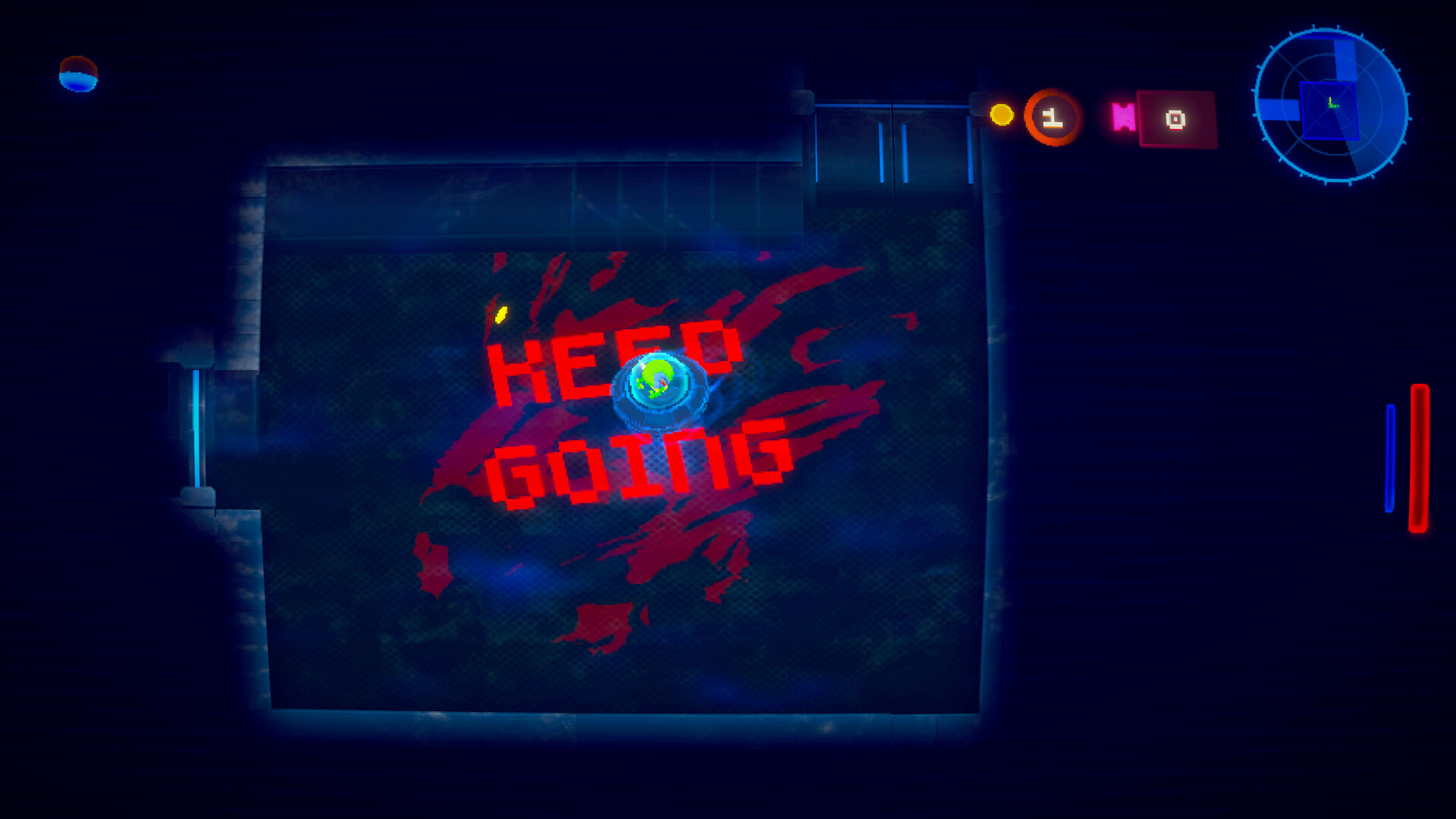
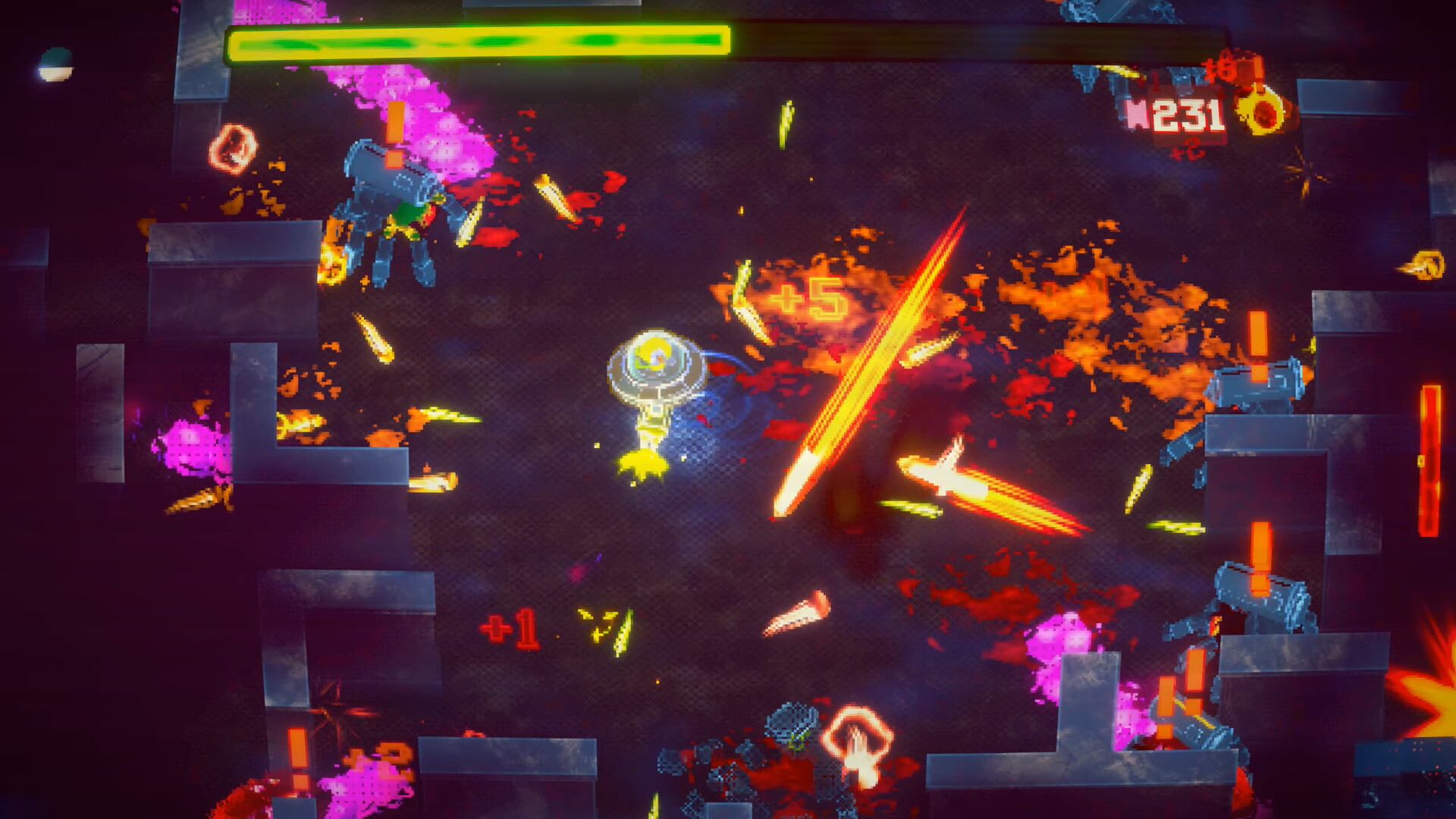
The cabinet layer is where runs happen. You enter the arcade machine's game and play the stealth-shooter roguelite: fast movement, enemies that notice sound and sight, tickets as run currency. Die or finish, and you are back in the arcade with your earnings and whatever meta-progression you unlocked.
Tickets bridge the layers. Runs earn them, the arcade spends them.
Getting Started: Your First Runs
- Play the cabinet, die, come back. Your first run will probably end fast. That is the tutorial. Note what killed you: in this game it is almost always noise or greed.
- Learn the stealth basics. Enemies react to sight and sound. Moving fast is loud. The game rewards timing your sprints between patrols instead of holding the run key.
- Collect tickets early, spend them late. Tickets persist across runs through the arcade economy. Early runs are for learning patrol routes; hoard your tickets until you know what the arcade shop actually values.
- Open every gacha ball you find. Gacha balls carry unlocks that feed meta-progression. They are the most valuable pickup in a run, and the pet's commentary on them is a story breadcrumb.
- Talk to the pet between every run. Story beats and mechanical hints both come from the Grand Prize cabinet. Cheap to check, easy to miss.
Core Mechanics Explained
Noise is the real health bar. The stealth-shooter hybrid means most enemies cannot be tanked. Your survival comes from controlling when and where you make sound. Sprint bursts, gunfire, and breakable objects all broadcast position.
Tickets are run currency and meta key. In-run, tickets track your performance. Out-run, they buy permanent unlocks in the arcade. The split matters: a run that ends with you dead still banks the tickets you collected.
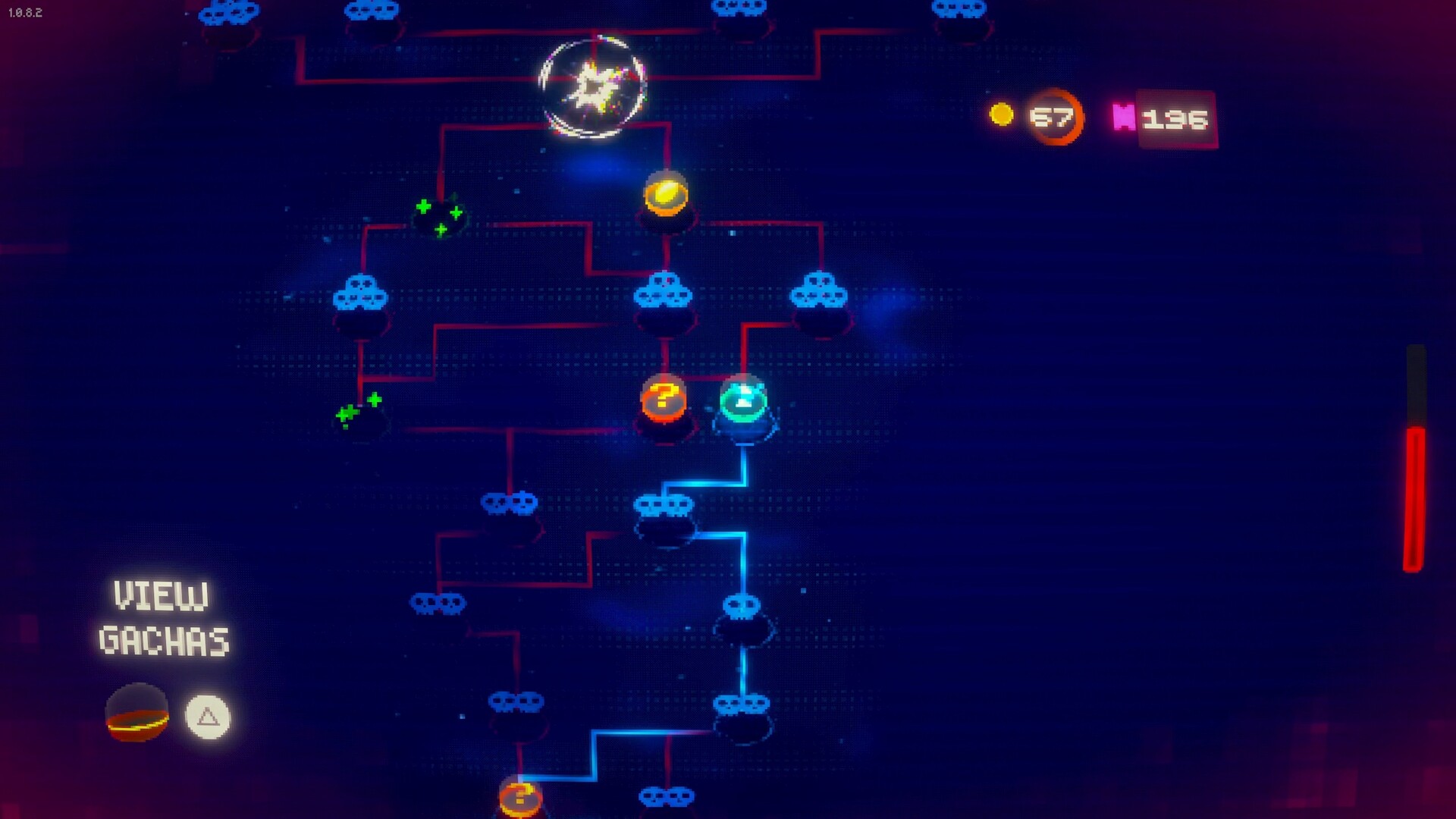
Gacha balls are the gacha you can plan for. Unlike real arcade gacha, the drops here feed a meta-progression web with secrets attached. The developer hints some unlocks are hidden behind specific gacha results, so treat each ball as both loot and clue.
Meta-progression makes each run deadlier. The store copy says it straight: the secrets you find make each run deadlier. Power grows, and so does the arcade's response. Expect difficulty to scale with your unlocks, roguelite-style, rather than staying flat.
The betrayal check. The store page warns "try not to get betrayed along the way." Without spoiling anything: trust is a mechanic. The game tracks who you help and what you open.
Controls: Keyboard, Mouse and Controller
The control scheme is deliberately plain, because the difficulty is supposed to live in the stealth read, not in your hands.
| Action | Default input | What it means in a run |
|---|---|---|
| Move | W A S D | Your loudest action by default. Every step broadcasts position to anything with ears |
| Aim | Mouse | Aim is independent of movement, so you can back away while keeping a shot lined up |
| Shoot | Mouse button | Gunfire is the single loudest thing you can do; treat each shot as a decision, not a reflex |
| Stealth movement | Shift (hold) | Slow and quiet. This is the mode you should be in most of the time, not the exception |
Controller is fully supported, not an afterthought. Steam lists full controller support plus dedicated DualShock and DualSense support, so the prompts match the pad you plug in. If you play on a couch, the pad is the better choice for the cabinet runs: analogue movement gives you fine speed control, which matters more here than in most shooters, since the difference between a walk and a sprint is the difference between being heard and not.
Two settings to touch before your first run (both are official Steam features, both are buried in options):
| Setting | Why it matters |
|---|---|
| Camera Comfort | Fast rotations plus horror pacing is a motion-sickness combination. Cut the shake and rotation speed before a long session |
| Custom Volume Controls | Audio is a gameplay channel here. You need enemy footsteps and ambience louder than the soundtrack, and the game lets you split those channels |
Step-by-Step Strategies
Run one through three: map learning. Ignore optimization. Walk the cabinet's levels, watch patrol patterns, note where gacha balls spawn. Your deaths here are cheap tuition.
The patience loop. Enter a room, stop, listen, let patrols commit to a direction, then move. Fast players die to enemies they never saw. The game's pace tempts you to sprint; the level design punishes it.
Ticket route planning. Once you know spawn points, plan a loop that hits gacha balls first, ticket clusters second, and exits third. A dead run with two gacha balls banked beats a clean run with none.
Unlock order for early meta. Spend your first arcade purchases on things that reduce noise or increase survivability, not raw damage. Damage does not fix stealth mistakes; quieter steps do.
Difficulty spike management. When your unlocks push run difficulty up, switch goals for a few runs: farm tickets with a no-unlock playstyle rather than pushing deeper. The arcade escalates based on what you carry.
Advanced Tips
- Sound discipline in corners. Enemy AI seems to lose precise tracking near level edges and corners. Breaking line of sight while moving slowly is more reliable than long sprint escapes.
- The cabinets are watching back. Several arcade-layer interactables react to run performance. If a cabinet changes after a particularly good or bad run, click it. Secret flags often trip on run results, not story progress.
- Leaderboard runs are a different build. Steam Leaderboards reward speed. If you chase them, respec toward movement over stealth and accept body count.
- Camera comfort settings exist for a reason. The game ships with camera comfort and custom volume controls. Horror pacing plus fast rotations is a motion sickness combo; tune it before a long session.
- Demo saves carried over. The pre-launch patch let demo progress carry into the full game. If you played the demo, check the arcade for your old unlocks before grinding.
System Requirements: What Steam Actually Lists
This is a small game with a low hardware floor, and the published specs say so.
| Component | Minimum (official Steam listing) |
|---|---|
| OS | Windows 10 version 21H1 (build 19043) or later |
| Processor | Dual Core 2.5 GHz |
| Memory | 4 GB RAM |
| Graphics | 1 GB VRAM |
| DirectX | Version 10 |
| Storage | 2 GB available space |
There is no recommended tier. mardt publishes only a minimum, which is unusually honest and tells you most of what you need: this is a 2D game with a modest asset budget, not a ray-traced showcase. If your machine is from the last decade and boots Windows 10, you are inside the listed envelope.
Reading the numbers in practice:
- The OS line is the one that trips people up. Windows 10 build 19043 is the 21H1 update from May 2021. An older, un-updated Windows 10 install will refuse to launch the game until you run Windows Update, so do that first rather than troubleshooting the game.
- 1 GB VRAM means integrated graphics are fine. The DirectX 10 requirement puts the renderer in an old, forgiving feature set. Expect it to run on recent Intel Iris Xe and AMD Vega integrated chips; the dips you will feel come from effects and particle density, not resolution.
- 4 GB RAM is the real floor, not the CPU. A dual-core 2.5 GHz is modest, but a browser with thirty tabs eats the memory budget before the game ever loads. Close it.
- 2 GB of storage is the whole game. Nothing is streamed, nothing needs a second drive. It installs and runs from a USB SSD without complaint.
- Steam Deck: the developer explicitly optimized for the Deck during Steam Next Fest and the launch build inherits those passes. Small install, comfortable frame budget, and full controller support — the Deck is one of the better places to play it. Note that Steam publishes Windows only: there is no native macOS or Linux build, so Deck play is the Windows build through Steam's compatibility layer.
- No cloud save requirement, but cloud saves exist (Steam Cloud is listed), so progress survives a reinstall or a second machine.
Achievements: What the 27 Are Asking For
Steam lists 27 achievements. The ten Steam surfaces first give you a decent picture of what the list is doing:
Welcome to the Sunshine Arcade! · The Egg · Wanted Frog · Maniac · Empty Claw · Bored or something · Coin flip realism · The Mech · The Centipede · The Fly Lord
Read those names as a map rather than a checklist. The list is built from three kinds of unlock: story beats (the welcome achievement will be your first, and the further ones track how deep into the arcade's past you get), cabinet encounters (the named enemies — the Mech, the Centipede, the Fly Lord — are bosses or set-piece fights you meet as runs go deeper), and arcade secrets (the odd ones: Empty Claw, Coin flip realism, Bored or something, which read like they fire on specific gacha results or interactions rather than combat performance).
Practical hunting advice:
- Check the achievement list after each arcade session, not after each run. It doubles as a free progress log for the frame story, and a name you don't recognise tells you that something in the arcade reacted to what you just did.
- Do not chase the joke achievements early. The oddly-named ones sit behind gacha results and side interactions that you will hit naturally once your ticket flow is stable. Grinding for them before you can reliably finish runs wastes runs.
- Boss-adjacent achievements come from depth, not skill. Pushing deeper into the cabinet with a survivability build gets you the named encounters faster than a damage build that dies on floor two.
Known Issues and Fixes From the Demo Era
The development history is public through Steam news, and it is reassuring reading: the 1.2.11 demo patch doubled performance and added the localization system, the Next Fest build optimized for Steam Deck, and a pre-launch update added save functionality with demo carryover. If you hit a performance dip, the launch build is several optimization passes past the demo. Steam Deck users get the tuned version from day one.
FAQ
How long is Unshine Arcade? A several-hour roguelite with replay built in through meta-progression secrets. Completionists will spend longer hunting gacha results and arcade secrets than finishing runs.
How much does it cost? $11.99 on Steam. The launch-window price was $9.99 — the store price went up shortly after the September 28 release, so watch for sale events if you're price-sensitive.
Is it any good? The Steam rating is Positive — roughly 90% of players recommend it (30+ reviews in the first two weeks). Reviews single out the visuals, the elegant stealth loop, and the mystery driving exploration.
Is it more roguelite or more horror? Both, in layers. The cabinet runs are mechanical roguelite stealth-shooter action. The arcade frame is slow-burn psychological horror. Neither tone drowns the other.
Is there a demo? Yes, and demo saves carry over to the full game. The demo went through Steam Next Fest and received multiple optimization patches.
Does it run on Steam Deck? Yes. Steam Deck support was explicitly added during Next Fest development, and the launch build inherits those optimization passes. The install is only 2 GB and controller support is full.
What are the system requirements? Windows 10 build 19043 (21H1) or later, a dual-core 2.5 GHz CPU, 4 GB RAM, 1 GB VRAM with DirectX 10, and 2 GB of storage. Steam lists no recommended tier, which fits a 2D game of this size — integrated graphics are inside the published envelope.
Is there controller support? Yes, full controller support plus dedicated DualShock and DualSense support, alongside keyboard and mouse. Analogue movement makes the stealth pacing easier to control than WASD, since fine speed adjustment is the core survival skill.
How many achievements are there? 27 on Steam, mixing story milestones, named cabinet battles (the Mech, the Centipede, the Fly Lord), and oddball unlocks tied to gacha results and arcade secrets.
Is there a Mac or Linux version? No. Steam lists Windows only. Linux and Mac users can run it through Steam's compatibility layer, but there is no native build.
What languages are supported? English, Dutch, Japanese, Polish, Simplified Chinese, and Russian, all with full audio support.
Who is mardt? A solo developer; Unshine Arcade is their Steam debut. The developer site is at mardt.dev, and their launch post emphasizes playing blind, which tells you the story twists matter more than any build optimization.
Is it scary or gory? Psychological horror with blood mentioned in the store copy. The dread builds through the arcade's story rather than jump scares.
Quick Reference Card
| Topic | Quick Answer |
|---|---|
| Core loop | Run the cabinet, bank tickets, spend in arcade, free the pet |
| Priority pickup | Gacha balls; they carry meta-progression and secrets |
| Stealth rule | Noise kills; sprint between patrols, not through them |
| First unlocks | Noise reduction and survivability over damage |
| Difficulty scaling | Rises with your meta-progression |
| Price | $11.99 |
| Stealth movement | Hold Shift; slow and quiet is the default state, not the exception |
| Min specs | Windows 10 21H1, dual-core 2.5 GHz, 4 GB RAM, 1 GB VRAM, 2 GB storage |
| Achievements | 27 on Steam |
| Steam Deck | Supported |
| Languages | EN, NL, JA, PL, zh-Hans, RU |
| Dev tip | Go in blind; story twists are the point |
Screenshots