Official game
Play Planet Architect
This game is hosted by Steam. Continue to the official page to play or download it.
Wishlist on SteamOverview
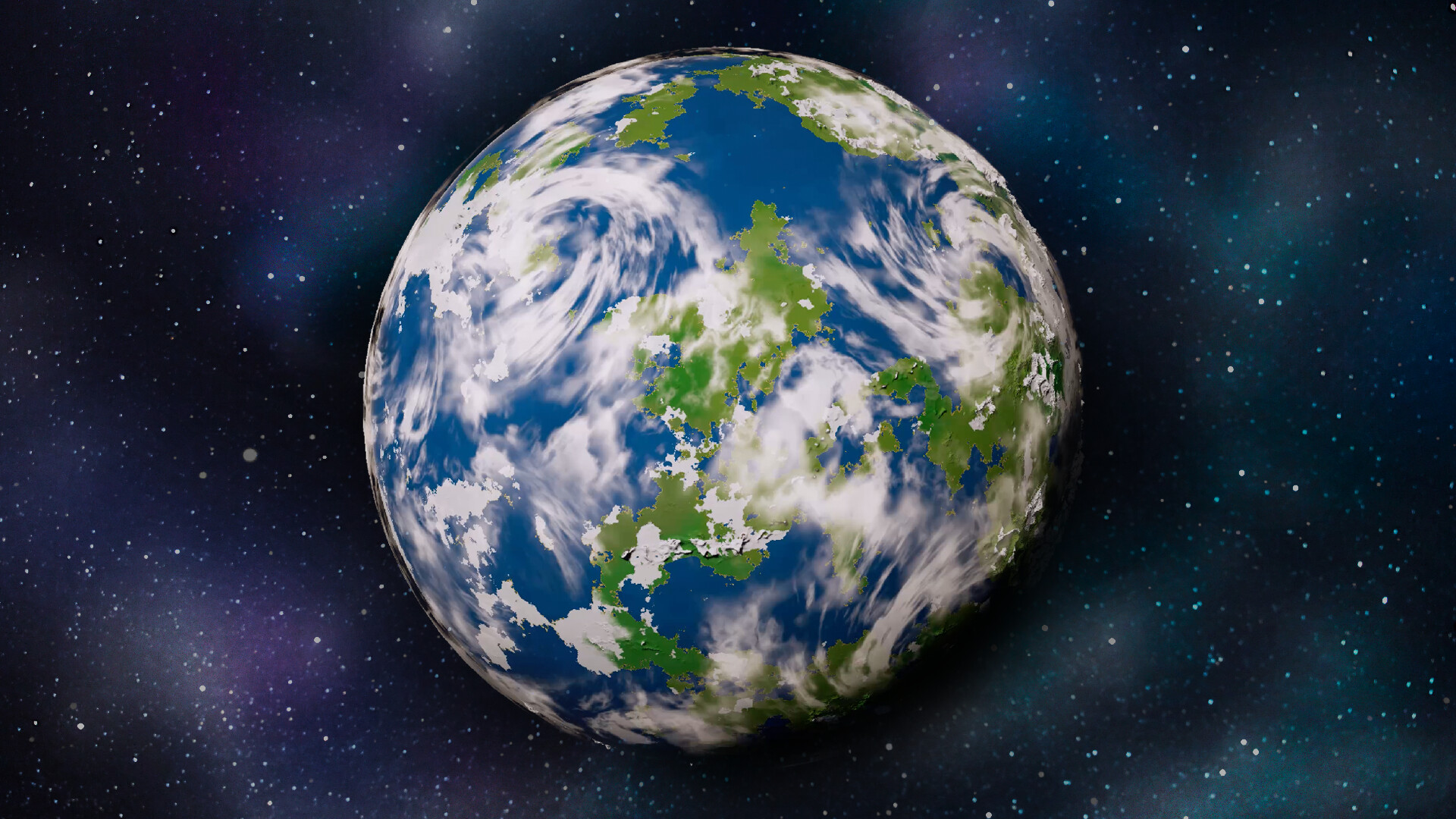
Planet Architect is a planet-building sandbox from Devote, a solo developer from Serbia. The pitch is compact: create entire worlds from the ground up. You generate a planet as a starting point, tune dozens of simulation parameters, and watch procedural generation bring the world to life. Then you step down to the surface and walk through what you built.
It is a creative tool with a game wrapper, closer in spirit to Universe Sandbox or World Machine than to a campaign. There is no combat, no fail state, no progression bar. The reward is the planet itself: a mountain range that formed because the plates moved the way you told them to, a desert that sits exactly where the precipitation math said it belongs.
The developer calls it a "highly accurate planet generator" and describes the Steam release as planned for around 2027. A free, playable version called Planet Architect Lite is live on itch.io right now, rated 4.8 stars from 12 ratings, and it is the fastest way to judge whether the full sandbox is for you. Lite's current build is branded photorealistic, with live generation you can watch frame by frame as plates move and climate settles. The Steam page is live for wishlisting and stays honest about its state: the page will evolve alongside the game.
Who it's for: world-building hobbyists, simulation enthusiasts, people who lost hours in Universe Sandbox or Spore's planet editor, artists and devs who need terrain assets, and anyone who wants to explore their own procedural worlds on foot.
Who it's not for: players who want goals, missions, or an on-rails creative campaign. Planet Architect gives you a canvas and asks you to do the rest.
| Fact | Detail |
|---|---|
| Developer / Publisher | Devote |
| Genre | Planet-building simulation sandbox |
| Platforms | Windows, macOS |
| Players | Single-player |
| Release | Upcoming (target ~2027 per dev updates) |
| Price | To be announced |
| Free version | Planet Architect Lite on itch.io (Windows + macOS) |
| Core systems | Climate, biomes, plate tectonics, meteoric impacts, clouds and atmosphere |
| Generation settings | 12 unique settings (per Lite) |
| Render modes | 9 total, including Tectonic Plates, Noise Map, Biome Map |
| Surface tech | Quadtree chunk system, almost endless resolution |
| Export | glTF with textures, editable in Blender or Unity |
| Community | itch.io comments drive feature requests (rare caves, import/export of planets) |
Getting Started: First Session Plan
In Planet Architect Lite (free, available now)
- Expect slow startup. The itch.io page warns that startup may take time, and the generator needs a moment to initialize. Do not judge the tool during the loading screen.
- Understand the defaults before touching sliders. Generate one planet with stock settings and study it. You need a baseline to compare against when you start moving parameters.
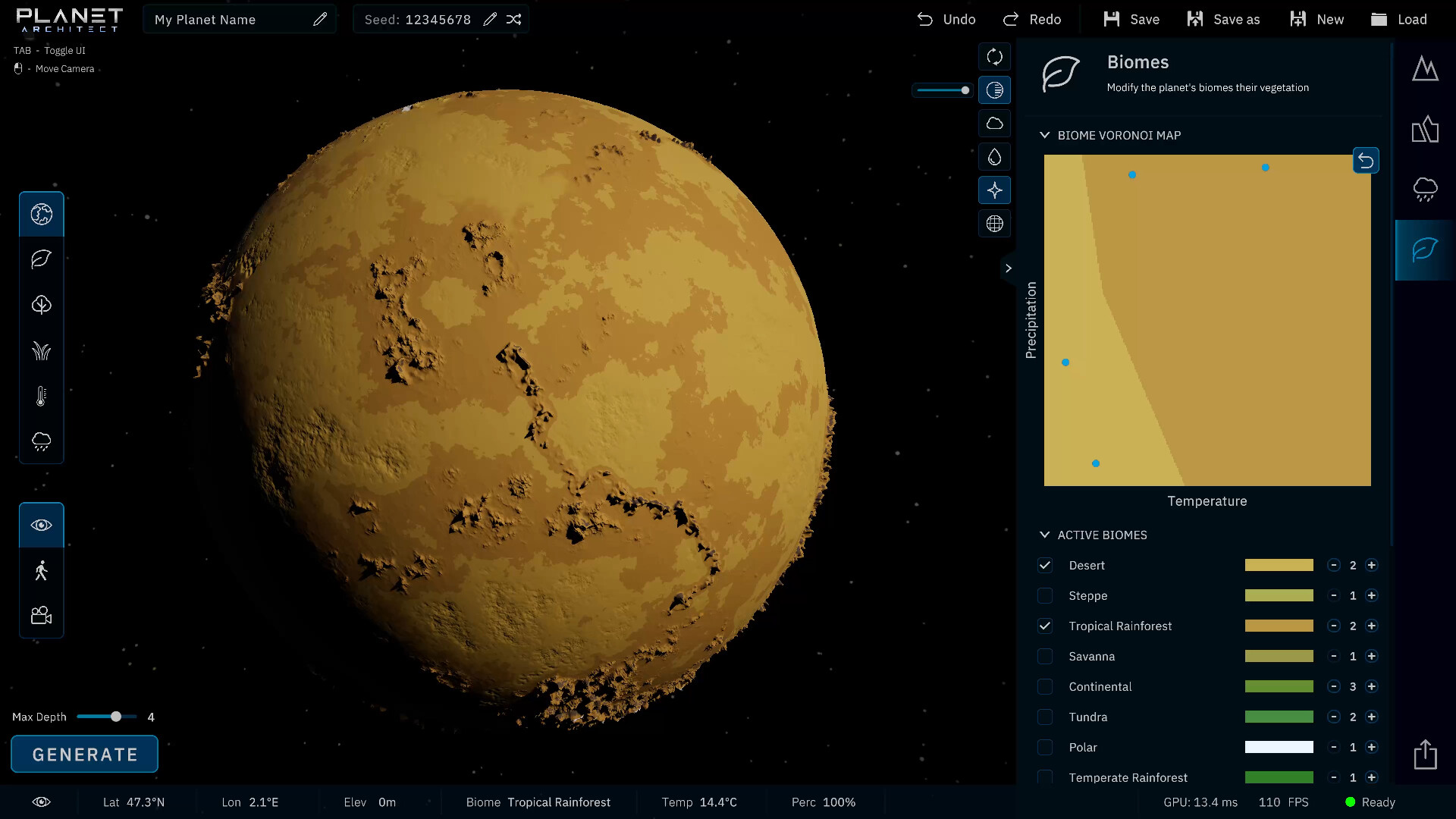
- Cycle the render modes immediately. Tectonic Plates, Noise Map, Biome Map and the rest show you why the planet looks the way it does. This is your X-ray vision; use it on every planet.
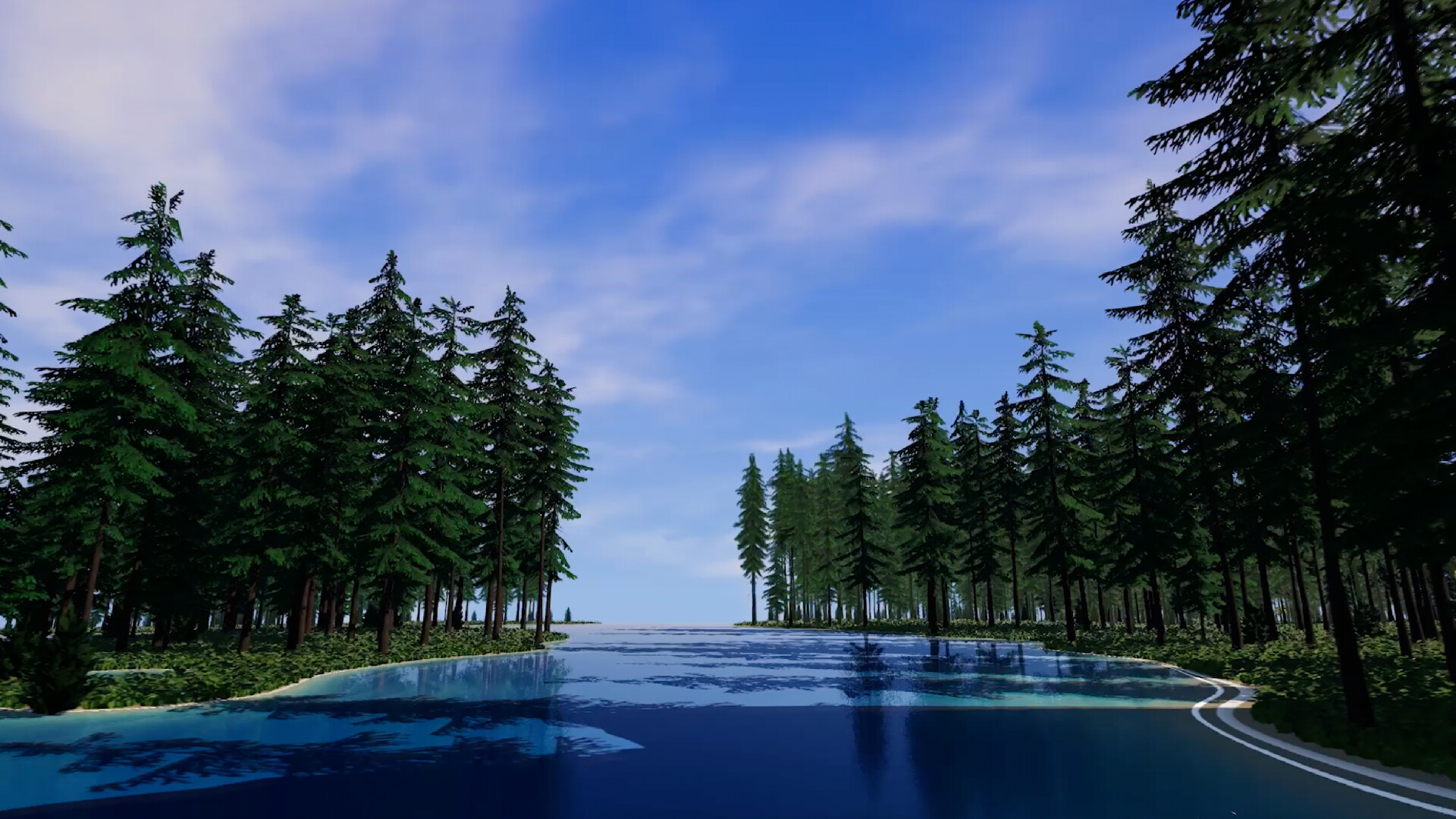
- Walk the surface. The quadtree chunk system streams detail as you approach, so pick a valley or ridge and actually traverse it. You will understand the terrain scale better than any screenshot.
- Export one test planet. glTF export with textures works for Blender or Unity. Testing the pipeline on day one saves you from discovering a broken workflow mid-project.
In the Steam version (not yet released)
The Steam workflow mirrors the same three phases with the full parameter set: generate, shape, explore. Expect a denser controls panel, more simulation systems, and continuous updates as the page evolves alongside the game.
Beginner mistakes to avoid
- Over-editing before generating. A fresh seed sometimes produces a planet you would never have tuned toward. Generate first, judge second, edit third.
- Ignoring the render modes. If a planet looks wrong, the tectonic or biome view tells you which layer caused it. Guessing blind wastes hours.
- Pushing every slider to the max. "More" is not "better" in a climate simulation. Extreme values produce broken-looking extremes: a planet that never rains or mountains that erase the coast.
- Judging a world from orbit only. Surface exploration reveals scale, slope, and biome boundaries that the orbital view flattens. Walk before you call a world done.
- Skipping export tests. Export early and often. Half a planet exporting at low resolution is a known community complaint; test a small world first.
First Session Priorities
| Priority | Why it matters |
|---|---|
| Baseline planet | One stock render gives you a comparison for every edit |
| Render mode tour | The diagnostic views explain every layer of the sim |
| One surface walk | Scale and slope only read correctly on the ground |
| One export test | A working glTF pipeline is worth more than a pretty screenshot |
| One deliberate edit | Change a single parameter, see a single effect, learn the mapping |
Core Mechanics Explained
The Three-Phase Workflow
Planet Architect structures everything as generate, shape, explore.
- Generate. Start with a procedural planet. You can watch the planet generate live in Lite, from tectonic plates to finished surface.
- Shape. Play with simulated systems inspired by real-world processes: climate, biomes, plate tectonics, meteoric impacts. Each has dozens of parameters.
- Explore. Step down to the surface and roam the procedural landscape. The quadtree chunk system delivers nearly endless resolution at high framerate.
The interconnectedness is the selling point. Climate feeds biomes, tectonics feed mountains, impacts feed character. Change one layer and the whole planet renegotiates.
Climate as the Top System
Temperature and precipitation simulation drive biome placement. This is the system everything else reports to:
- Temperature curves decide where the planet is banded: tropical core, temperate bands, frozen poles.
- Precipitation decides where deserts form versus forests. A world with low global moisture collapses into one giant desert belt.
- Atmospheric density and moisture interact. Push the atmosphere and you shift both temperature spread and rain patterns at once.
The practical rule: if a planet's biomes look wrong, fix climate first. Biomes mostly fall into place once temperature and precipitation are right.
Plate Tectonics
Continents, mountains, and ocean basins come from a plate simulation. The Tectonic Plates render mode lets you watch continents move and collide before erosion and climate finish the job.
- More plates means more boundaries, more mountain chains, more fragmented continents.
- Boundary types matter: collision builds ranges, separation opens rift valleys and ocean basins.
- Tectonics decide where mountains rise; climate decides where deserts form; impacts add character. Shape them in that order.
Biomes Emerge, They Are Not Painted
Biomes are the output of the climate math, not hand-placed stamps. The result is worlds where deserts sit where the math says deserts belong and rainforests cling to the wet side of a mountain range. Understanding the chain means you stop fighting the sim and start composing with it.
Meteoric Impacts
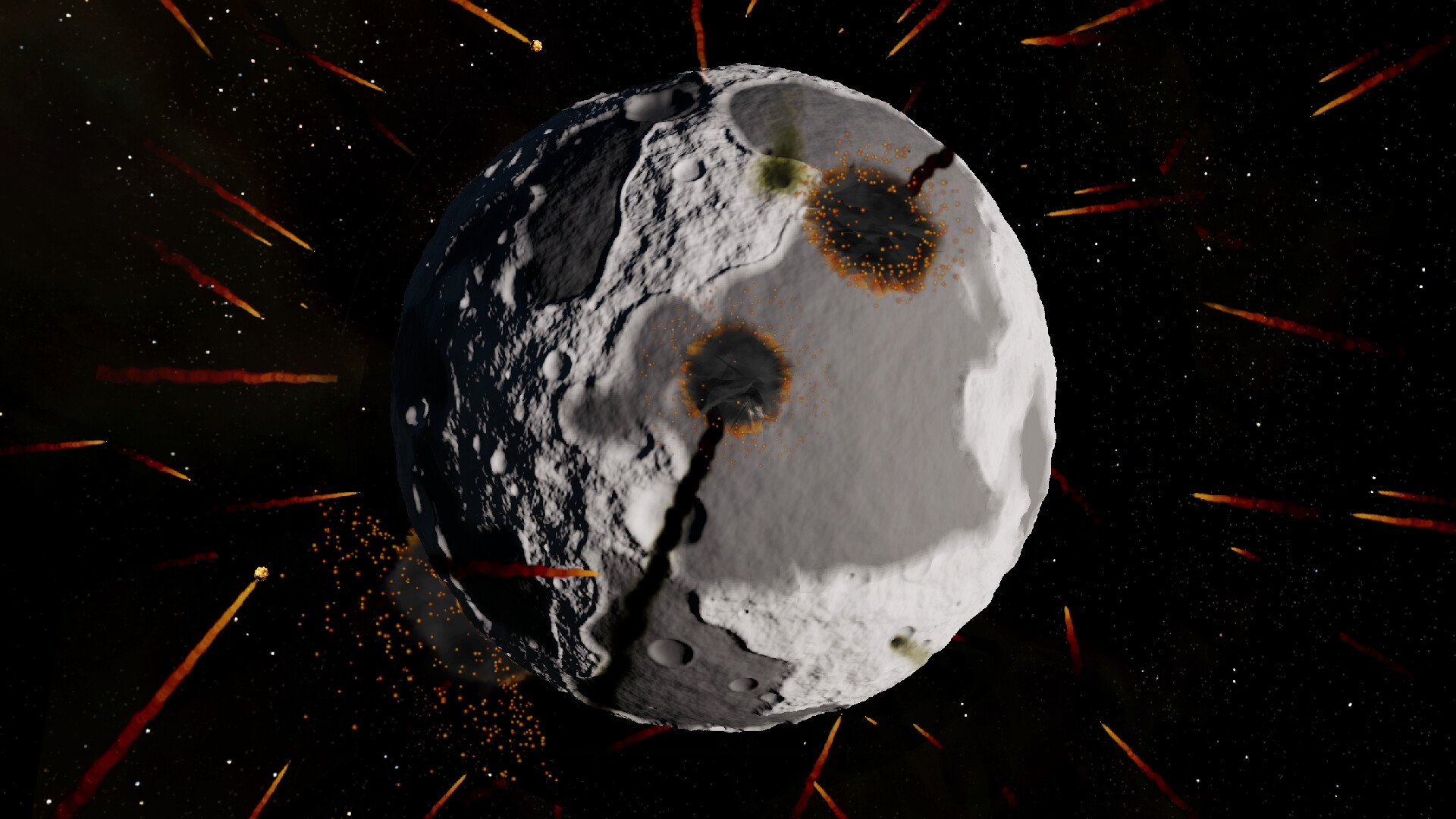
Impacts are a shaping force. The developer's separate free game Realistic Moon Simulator uses the same cratering idea: launch meteors to create realistic, crater-covered worlds. In Planet Architect, impacts fold into the full planetary recipe. Craters, basin rings, and ejecta patterns become terrain features you can use for storytelling: an ancient impact basin on an earthlike world, a young cratered crust on a barren moon.
Weathering, Clouds, and Atmosphere
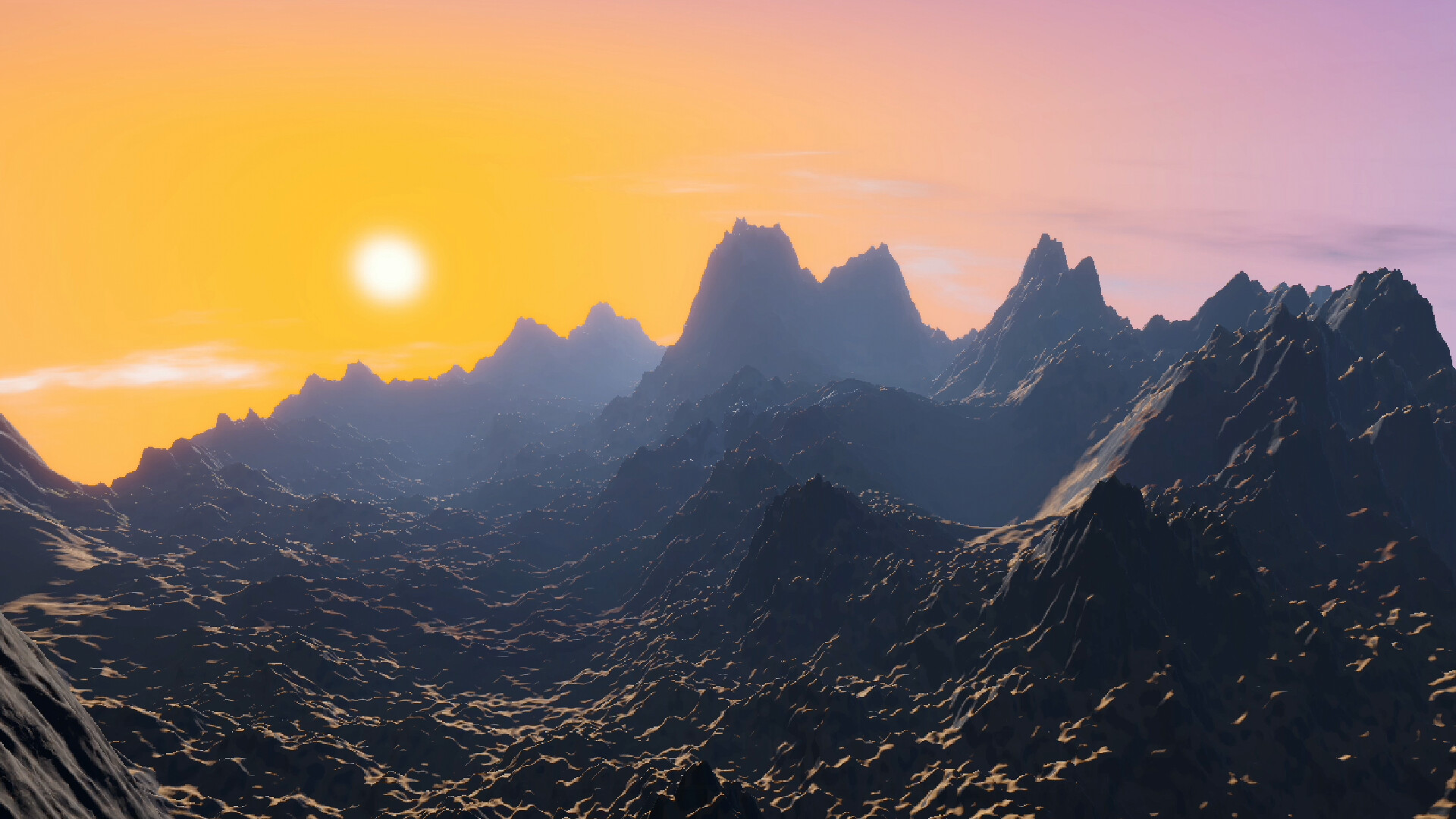
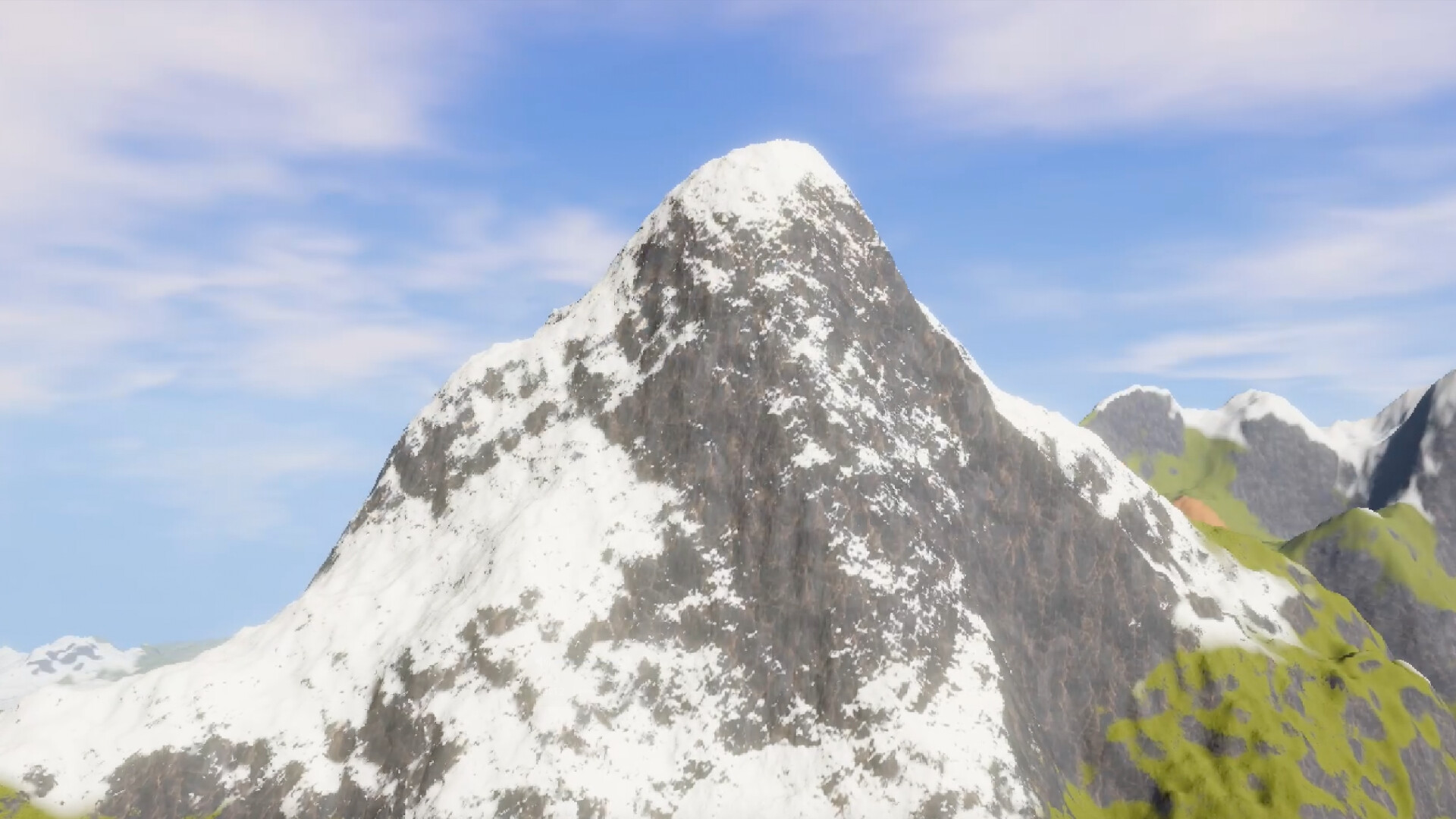
The final surface is not just a heightmap. Cloud and atmosphere simulation sit on top of terrain, and the Lite page lists realistic mountains as a headline feature. The quadtree chunk system keeps detail scaling as you approach the ground, so the landscape retains the structure the simulations created at every zoom level.
Progression Strategy
There is no XP, but there is a sensible skill curve. Spend it like this:
Phase 1: Learn the render modes (session 1)
Generate planets and do nothing but flip render modes. Learn what the Tectonic Plates view shows versus Biome Map versus Noise Map. This is your diagnostic vocabulary, and everything later depends on it.
Phase 2: Learn one layer at a time (sessions 2 to 4)
Pick climate. Change one parameter, generate, walk the result. Repeat. Then move to tectonics, then impacts. Single-variable experiments map the cause and effect chains better than any tutorial.
Phase 3: Compose (sessions 5+)
Start with a design brief: an arid world, an ocean planet, a shattered volcanic crust. Use the layers as ingredients, not sliders to max. The render modes become progress checks against your brief.
Phase 4: Export and reuse
When a world satisfies you, export it. glTF with textures drops into Blender or Unity, where you can measure, re-light, and build on top of it. The developer asks for credit if you use generated planets commercially; that is the only rule.
Recipes: Parameter Thinking, Not Sliders
The exact parameter names shift between Lite and the full Steam version. What transfers is the recipe logic. Treat these as design patterns:
The Earthlike World
- Moderate plate count so continents form without shattering.
- Temperature curve with a warm core and habitable mid-latitudes.
- Precipitation set so moisture reaches inland instead of pooling at the coasts.
- Light impact rate; craters read as history, not bombardment.
- Atmosphere default with visible clouds.
The Arid World
- Cut global precipitation hard. Deserts claim the mid-latitudes.
- Keep or raise temperature spread for extreme day-night character.
- Let one pole or one coast keep a moisture pocket; contrast makes the dry land read.
- Raise impact rate slightly; a dry world shows craters better.
- Export and check the biome map: the desert should sit where the math says.
The Ocean World
- Lower elevation variance so shallow seas dominate.
- Keep plate count low to avoid big emergent continents.
- High precipitation and mild temperature for a wet greenhouse feel.
- Few impacts; water hides most of them anyway.
- Walk a coastline; the quadtree detail is where this world shines.
The Volcanic / Bombarded World
- Push impact rate high and let basins overlap.
- Active plate boundaries: dense boundaries mean many ranges and rifts.
- Thin atmosphere or none so the crust reads clearly.
- Low precipitation so erosion does not smooth your craters.
- Use the Tectonic Plates view to check that the craters and ranges agree with the plate map.
The Render Mode as Diagnosis
| Symptom | View to check | Likely fix |
|---|---|---|
| Desert where a forest should be | Biome Map | Raise precipitation or shift temperature band |
| Coastline buried in mountains | Tectonic Plates | Lower plate count or soften boundary collision |
| Flat, boring terrain | Noise Map | Raise elevation variance or impact rate |
| Craters everywhere, no variety | Tectonic Plates | Lower impact rate, add climate contrast |
| Surface detail vanishes up close | Surface walk | Confirm quadtree chunks are streaming; test a smaller world |
Step-by-Step Strategy
Sequence 1: First believable Earthlike
- Load the tool and generate a stock planet.
- Switch to Tectonic Plates view and note the continent layout.
- Dial temperature to a warm core with temperate bands.
- Dial precipitation so moisture penetrates inland.
- Generate, then walk the surface along one mountain range.
- Export a glTF and open it in Blender to verify the pipeline.
Sequence 2: Diagnose a broken world
- Generate a planet that looks wrong on purpose.
- Open Biome Map and identify which band violates the climate math.
- Open Tectonic Plates and check whether the terrain matches the plate boundaries.
- Open Noise Map to isolate elevation noise from climate effects.
- Change exactly one parameter, regenerate, and compare.
Sequence 3: Build a story world
- Write a one sentence design brief: "a dying world with one green valley."
- Lower global precipitation until the map is mostly arid.
- Place the moisture pocket by tuning the climate so one coast stays wet.
- Add craters for history and one tectonic range for a spine.
- Walk the valley at surface level and check the biome boundary with your own eyes.
Sequence 4: The export loop
- Finish a planet at a resolution you are happy with.
- Export glTF with textures.
- Import into Blender or Unity and check scale, normals, and texture maps.
- Re-light in the external tool; lighting tells you what the generator hid.
- Re-import any fixes as a new revision, keeping the archive of your process.
Sequence 5: Optimizing surface exploration
- Fly or walk at altitude first to spot macro features.
- Descend toward a biome boundary; that is where the detail lives.
- Keep an eye on framerate at ground level; the quadtree system streams chunks, so give it a moment to load after fast movement.
- Watch the known collision quirks: running into cliffs at high speed while holding shift can push you through terrain in some builds, and fast flight can outrun chunk collision loading.
- Use the pause of a loading chunk to plan your next move instead of mashing forward.
Advanced Tips
- Think in layers, always. Tectonics decide where mountains rise, climate decides where deserts form, impacts add character. Shape them in that order and the world composes itself.
- Use the community as a roadmap. The itch.io comments are the current feature wishlist: rare caves, solar system assembly, surface and bump map image export, planet import folders. Designs you make today should anticipate those features.
- Generate before you over-edit. A fresh seed sometimes beats an hour of slider work. Cheap experiments are the whole point of a sandbox.
- Export early, export often. Blender gives you measurement tools and lighting the generator does not. A planet judged only in the tool is a planet judged half-blind.
- Match the render mode to the question. Never guess why a planet looks wrong. The diagnostic views answer the question faster than any parameter experiment.
- Design for erosion. Weathering runs in the background of the simulation. A world with extreme inputs may look striking in generation and bland after the sim settles; tune for the settled state.
Which Tool When: The Sandbox Comparison
Planet Architect sits in a crowded bench of world tools, and picking the wrong one wastes a weekend. Here is the honest positioning.
| Tool | What it does best | Where Planet Architect wins | Where it loses |
|---|---|---|---|
| Universe Sandbox | Physics: orbits, collisions, gravity between real bodies | Surface detail: biomes, climates, walkable terrain | Universe Sandbox has no ground to stand on |
| Spore planet editor | Playful, fast, stylized creature-friendly worlds | Accuracy: biomes come from climate math, not painting | Spore worlds look like toys; PA worlds look like maps |
| World Machine / Gaea | Pro-grade terrain heightmaps for film and games | Full planet scale with tectonic logic baked in | They are terrain-only; no climate, no biomes, no globe |
| Hand modeling in Blender | Total control | Minutes instead of weeks; physically plausible by default | Zero control over any specific landform |
The practical decision rule: if you need a believable whole planet and you need it today, Planet Architect. If you need one specific canyon to match a storyboard, Gaea or Blender. If you need a solar system simulation, Universe Sandbox. The common trap is treating Planet Architect as a heightmap generator; it is a planet generator, and its heightmaps are a byproduct.
One more axis: price of entry. Lite is free, runs on Windows and macOS, and exports without watermark or lock. For students, modders testing pipelines, and writers, that makes it the cheapest serious planet tool in existence.
The Export Pipeline, End to End
The glTF export is the feature that turns Planet Architect from a toy into a production step. Work it like this:
- Decide the use case before resolution. A background skybox planet needs low detail and exports fast; a ground-level game level needs the quadtree's full depth and a small area instead of the whole globe. Exporting the entire planet at high resolution is how you get the known half-planet truncation complaints.
- Export, then verify in Blender before iterating. Import the glTF, check scale (drop a default cube next to a mountain; if the mountain is thousands of units you will fight your camera forever), check normals for pole artifacts, and confirm the texture maps landed.
- Re-light in the external tool. The in-tool sun direction and rotation options are for judging the planet, not final lighting. Blender's sun lamp at a low angle reveals relief the orbital view hides.
- Keep a generation archive. Save the parameter set that produced each export, not just the file. When a planet works, the recipe is the asset; the mesh is reproducible from it.
- Respect the license etiquette. Generated planets are free to use in any capacity, including commercial work, but the developer asks for credit and a donation if you ship them for money. That is the entire license; honor it and the tool stays alive.
For Unity users: glTF imports through third-party packages, and the texture set is standard enough to rewire to URP/HDRP materials without touching the mesh. Test one small planet through your full build pipeline before committing a world to a project.
Three User Profiles, Three Workflows
The game asset artist. Your output is meshes and textures, not planets. Workflow: generate for plate structure first, climate second, looks last. Export small regions at high resolution rather than whole worlds, and verify the glTF in your engine before deep-tuning anything. Ignore the surface walk except as QA.
The worldbuilder or writer. Your output is consistency. Generate a planet, walk it, screenshot the biome boundaries from the Biome Map, and keep the map as your canon reference: your desert city goes where the desert already is, and readers who check will find the math holds. The render modes double as story bibles. The live generation view is also a presentation piece; streaming it while a world forms lands well with audiences.
The educator or science communicator. Your output is intuition. The tool's strength is that every landform has a visible cause: switch to Tectonic Plates and students see why the Andes-shaped range exists, flip to Biome Map and the rain shadow is on screen. Build a small library of stock planets, one per lesson: an earthlike control, an arid world for precipitation lessons, a bombarded world for cratering. The adjustable rotation speed and sun direction make day-night and seasonal demonstrations trivial.
FAQ and Common Mistakes
Where can I play Planet Architect? A free version called Planet Architect Lite is on itch.io for Windows and macOS. The full game is on Steam for wishlisting, with release planned around 2027.
Is Planet Architect free? The Lite version is free. The Steam full version has no announced price.
Does it have gameplay? It is a sandbox, not a game with goals. There is no campaign, combat, or progression. The gameplay is the generation, the shaping, and the exploration.
Can I export my planets? Yes. Lite exports worlds as glTF files with textures, editable in Blender or Unity. The developer asks for credit if you use generated planets commercially.
Why does my planet look wrong? Usually because one layer fights another: biome looks wrong because climate is off, terrain looks wrong because tectonics disagree with elevation. Use the render modes to isolate the layer before changing parameters.
Are there known bugs to watch for? Community reports mention collision issues when sprinting into cliffs at high speed, chunk collision lag during fast flight, and some exports producing only half the planet at low resolution. Test small before you commit to a big world.
The biggest mistake new users make? Editing before generating. Run a stock planet first, learn the render modes, then move one parameter at a time. The tool rewards observation over brute force.
Screenshots